Inbound ACD
Route callers by skill, priority, and schedule so wait times stay under control.
Feature · Inbound & Outbound Queues
Run customer inbound lines and outbound campaigns in a single unified agent experience.
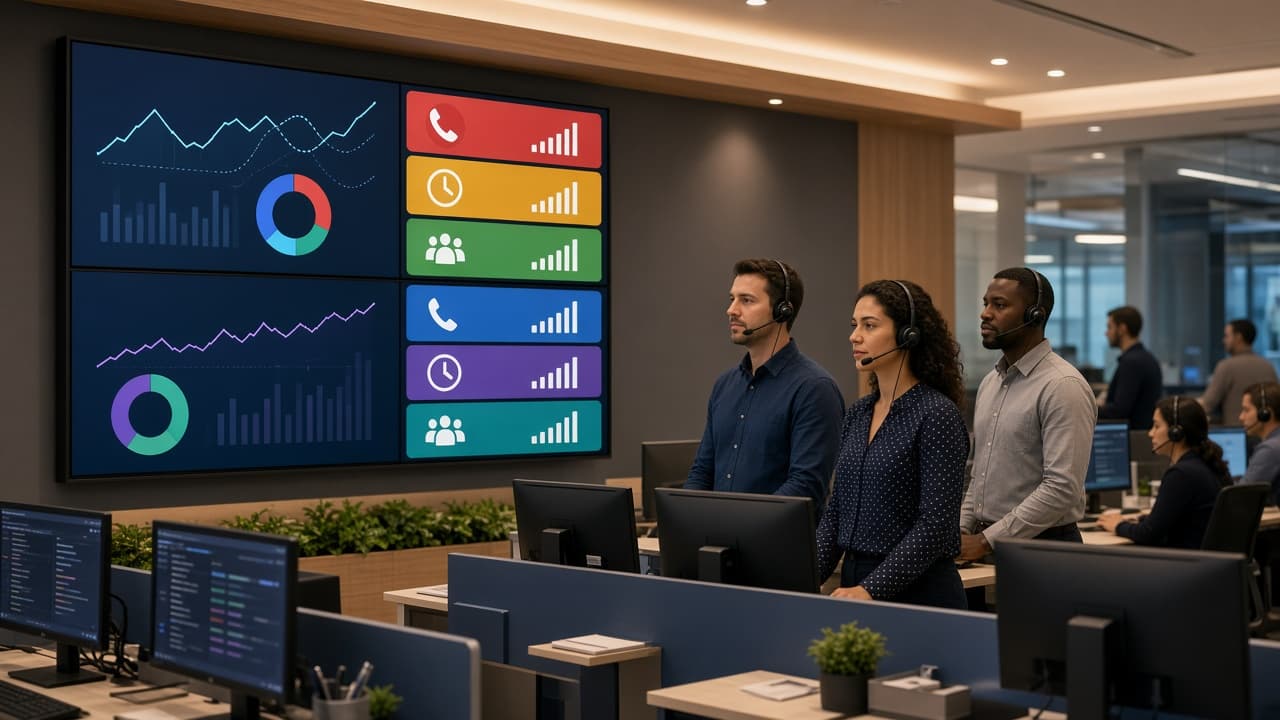
Blended floor ready
Included with managed VICIdial Host
One agent interface for queues, campaigns, and callbacks—clearer staffing and cleaner reporting.
Get a Custom QuoteBlended ready
Staff to demand: take inbound spikes without abandoning outbound goals, and vice versa.
VICIdial Host queues let you blend inbound ACD with outbound campaigns so agents never bounce between disconnected systems. Route callers, prioritize callbacks, and keep dispositions consistent whether the call started in or out.
What you get with Inbound & Outbound Queues on VICIdial Host.
Route callers by skill, priority, and schedule so wait times stay under control.
Run predictive, power, or manual campaigns without leaving the same agent login.
Scheduled callbacks and wrap timers keep promises visible and workloads fair.
Managers see queue depth and campaign status together for faster staffing decisions.
Straight answers about Inbound & Outbound Queues
Set inbound queues, skills, and schedules for your lines.
Link outbound campaigns and dial methods to the same agent groups.
Agents handle both directions while supervisors watch live metrics.
Launch on managed VICIdial Host with unlimited agents, expert support, and transparent pricing.