Browser-ready dial
Start calls from links and buttons instead of copying numbers into the softphone every time.
Feature · Click to Call Extension
One click from lead to live conversation—fewer mistypes, faster connects.
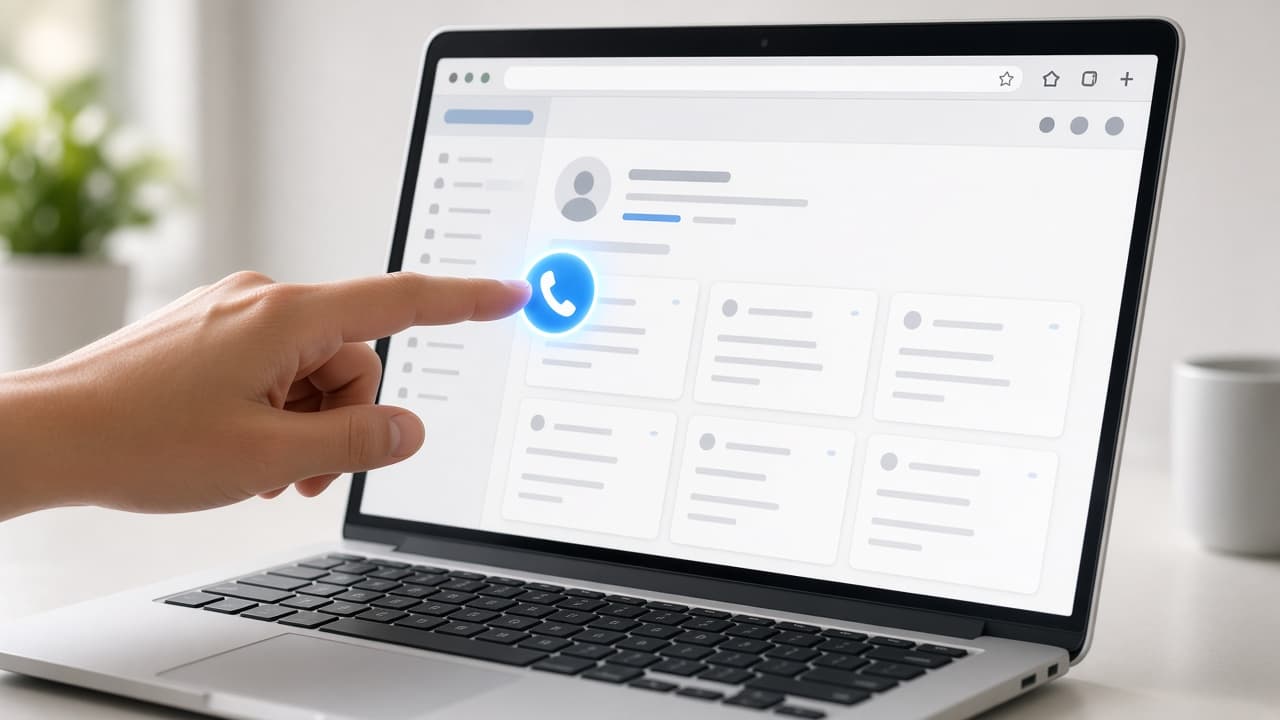
Browser & CRM dial actions
Included with managed VICIdial Host
Perfect for warm leads, callbacks, and CRM-heavy workflows where every second of friction costs a connect.
Get a Custom QuoteFewer misdials
Click once from the record you already have open—attribution stays tied to the right lead.
Click-to-call workflows let agents or managers start a VICIdial call from a web page, CRM record, or lead list. Fewer typed digits means fewer errors and seconds saved on every attempt.
What you get with Click to Call Extension on VICIdial Host.
Start calls from links and buttons instead of copying numbers into the softphone every time.
Open the right record, click once, and the agent channel rings the prospect through VICIdial.
Calls stay logged against the lead so reporting and recycle logic remain trustworthy.
Supervisors can trigger test calls and callbacks without interrupting agent flow.
Straight answers about Click to Call Extension
CRM button, browser helper, or URL dial action—pick what fits your desk workflow.
Tie click-to-call into the correct VICIdial user and campaign permissions.
Agents dial from the page they already use—no retyping, no misdials.
Launch on managed VICIdial Host with unlimited agents, expert support, and transparent pricing.